
News › Feature
Todo comes first
A new install starts with what is asked of you, with no Slack app to make. Pace, the Slack assistant, is there when you want it.
Pacenote started as Pace, an assistant you mention in Slack, with a list of your tasks beside it. In use, the list became the part that mattered: what people ask of you, what your AI sessions leave for later, and the history each one carries into the next session. From 0.6.12, Pacenote is built around that list.
A first run with no Slack app
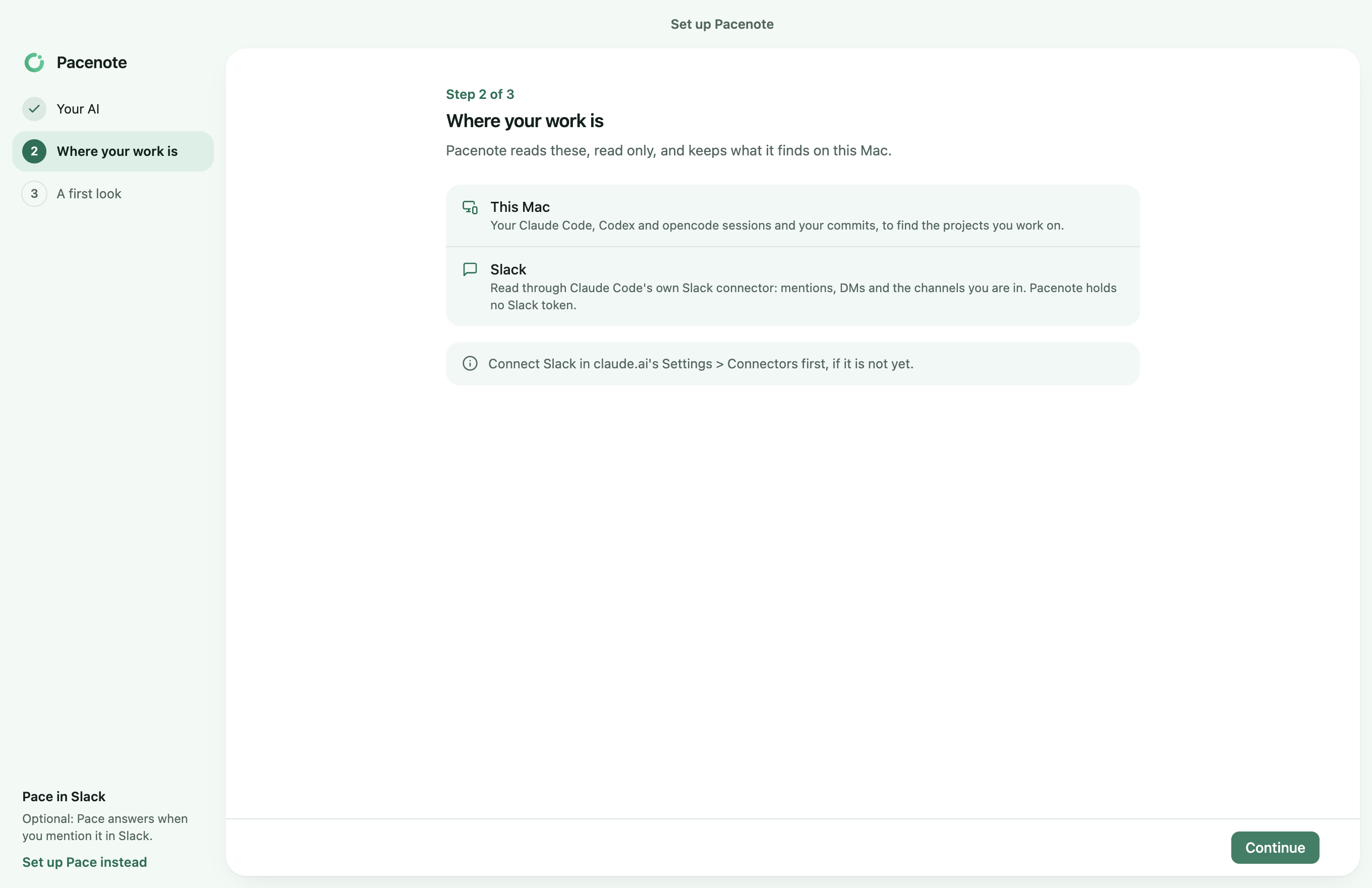
A new install opens on three steps: your AI, where your work is, and a first look.
- Your AI. Claude Code or Codex, signed in on your Mac.
- Where your work is. The sessions and commits on this Mac, then Slack, read only through your AI tool's own Slack connector. Pacenote holds no Slack token.
- A first look. Collect now reads your last 7 days, then Todo opens.
Pace stays off until you set it up, from the first run or Settings > General. Meanwhile it does not start or ask to be set up, and Overview, Runs and Pace leave the sidebar.
Todo knows where each task stands
- In progress. Mark a task, or work on it in a session, and it comes first in Open.
- Waiting. A task waiting on someone else moves to its own tab, and comes back when a collection finds something new in its thread.
- Today. Above the tabs: the ask waiting on you, the task to pick up, and the one waiting longest on someone else.
- New task (⌘N). Add one of your own; its project is guessed from its words.
The steps are in the guide, Install and first run and Todo.
If you already use Pace
Nothing changes for Pace: it answers as it did. With Todo on, Pacenote opens on Todo and says so once; Open on Overview instead keeps Overview first. Your other Macs on 0.6.11 keep the same Todo and show a task in progress or waiting as open.
Coming next
Macs that pair with no Slack app, and iPhone and iPad paired over your network the same way, so your Todo goes with you away from your desk.
Update
brew update && brew upgrade --cask pacenote