
News › Feature
Pair your Macs, with no Slack app
Todo is the same on each of your Macs, paired once over your network. No Slack app to make, no server in between.
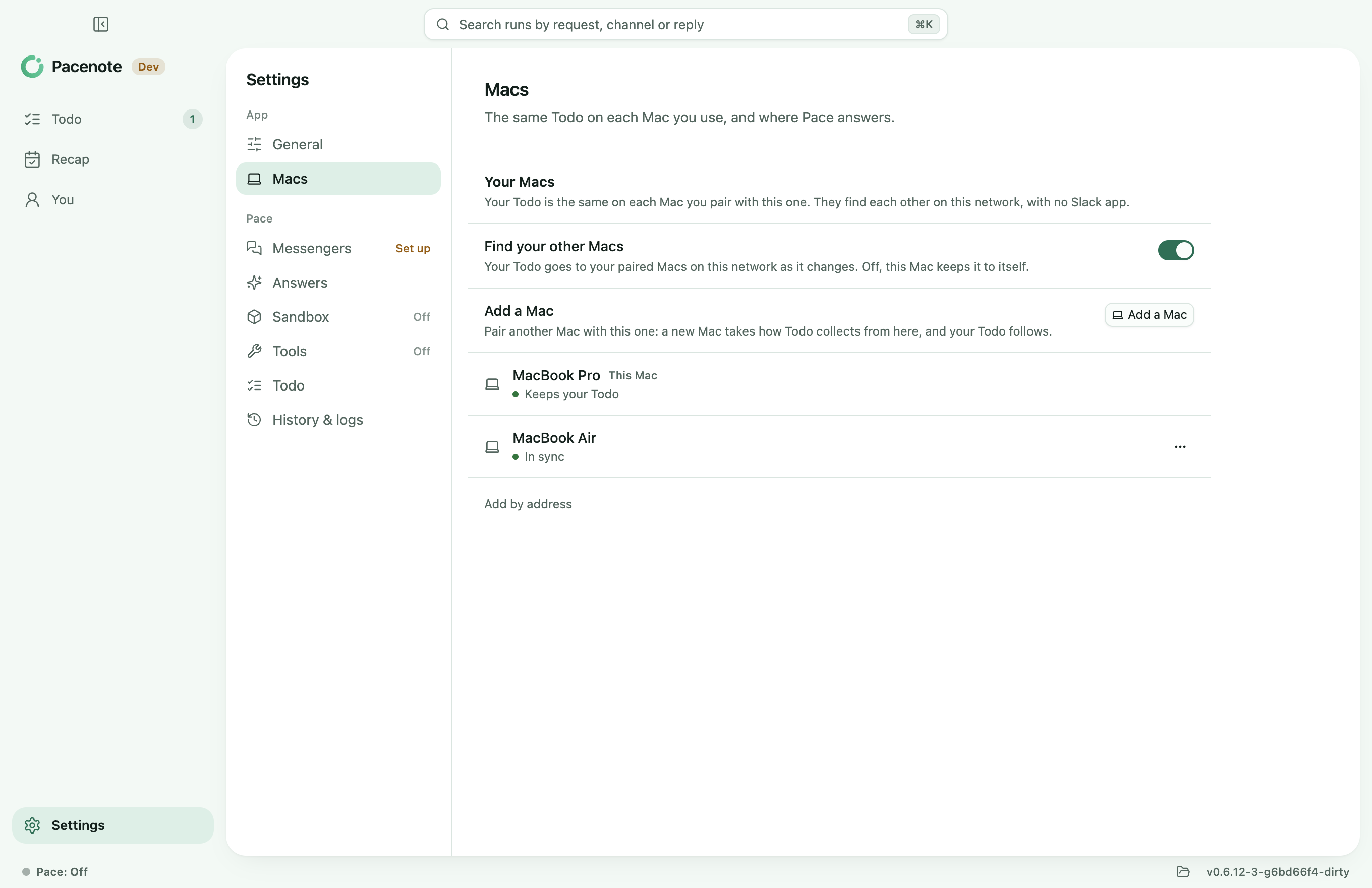
Pacenote keeps your work on your Mac. With two Macs, that used to mean your own Slack app on both, since the Macs knew each other by its token. From 0.6.13, a Mac that runs Todo alone pairs with your other Mac directly.
Pair them once
- On one Mac, click Add a Mac in Settings > Macs. It waits for 10 minutes.
- On the other Mac, choose From your other Mac at the first run's second step. A Mac set up already uses Pair in its own Settings > Macs.
- Both show the same 6 digits. If they match, click Allow on the first Mac.
A new install takes how Todo collects from the other Mac and opens on Todo. A Mac set up already keeps its own settings, and the two Todos merge. From then on, a task you mark done or waiting on one Mac is the same on the other.
What stays where
- Over your network only. The Macs find each other with Bonjour, or by address over Tailscale, and talk over a sealed channel. There is no Pacenote server.
- A key only your Macs hold. Add a Mac makes it and hands it over once, after the 6 digits match. It is kept in
macs-key, readable by you alone. - Each Mac's own. Sessions, collecting, your AI sign-in and Pace's history stay on the Mac they belong to.
With your own Slack app, Pace still answers on the Mac you're using and moves with you, as before, also with Macs on 0.6.12.
The steps are in the guide, Install and first run, and in Your Macs.
Coming next
iPhone and iPad, paired over your network the same way, so your Todo goes with you away from your desk.
Update
brew update && brew upgrade --cask pacenote